
How to Stop Spam Calls for Good (No New Number Needed)
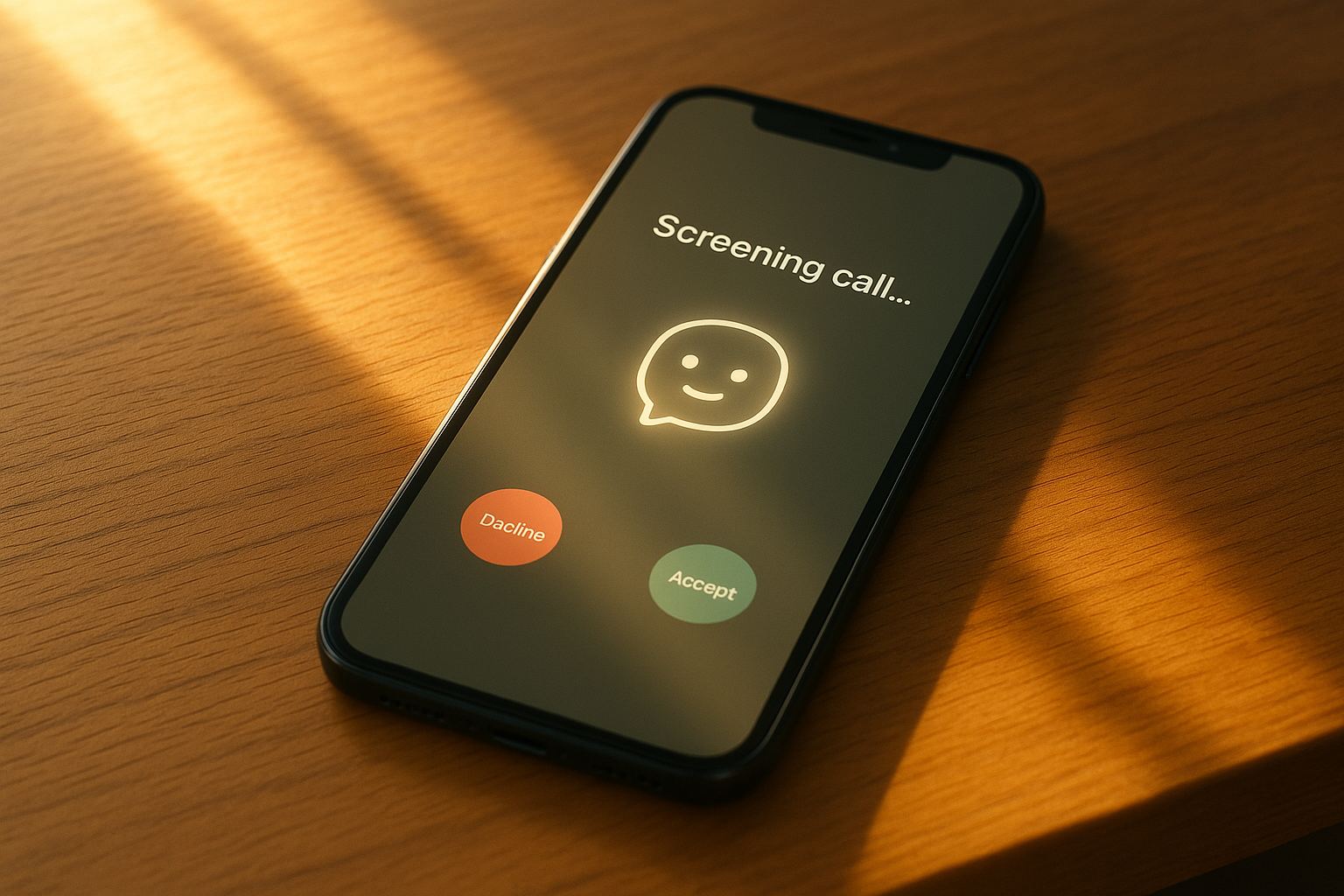
If you've ever downloaded a call-blocking app hoping for peace, you already know the punchline: your phone still rings. Maybe less often. Maybe with a different area code doing the annoying part this week. But it rings.
Here's the thing nobody tells you when you're searching for how to stop spam calls: blocking apps are playing defense against an opponent that changes its number every single day. You need something that doesn't just block — something that screens.
Why Blocking Apps Only Solve Half the Problem
Most call-blocking tools work off a list. Somebody, somewhere, reports a number as spam, and eventually that number gets added to a blocklist you subscribe to. It's reactive by design — the call has to happen to enough people first before your app even knows to stop it for you.
Spammers know this. That's why they spoof new numbers constantly, often ones that look local, familiar, almost like a neighbor. By the time a number gets flagged, the spammer has already moved on to the next one. Your phone still rings. You still glance down, still wonder for a half-second if it's your kid's school, still get that little jolt of "do I need to deal with this right now."
Blocking a number after the fact is like changing the locks after the same key keeps getting cut into new shapes. It's not that it doesn't help — it's that it can't ever fully catch up.
What Actually Stops Spam Calls at the Source
The real fix isn't a smarter list. It's taking the phone away from the guesswork entirely.
superMila answers before your phone rings — not after three rings, not after you've already been interrupted. She listens, figures out who's calling and why, and handles it accordingly. A robocall gets dispatched calmly, no drama, no siren. A real person with a real reason gets through, or gets a clear, human next step.
This is the part that changes everything: spam calls stop being a decision you have to make twenty times a day. You're not the last line of defense anymore. Mila is.
You Don't Need a New Number
A lot of people assume the only way to escape years of leaked, sold, and scraped contact info is to start over with a new number — new SIM, new contacts, telling everyone you know to update your info. That's a hassle nobody has time for, and it doesn't even fully work.
You don't need to do any of that. In Settings, under Number Mode, you can see your assigned Mila number and choose between a shared number or a dedicated number, depending on your account tier. Calls simply forward through to Mila — your existing number stays exactly as it is, in every contact list, on every business card, unchanged.
See Exactly What Got Screened
Here's the part that makes this feel less like a black box and more like having a genuinely sharp assistant: you get a full record.
The Calls page is your complete history of every incoming call. Each one shows up as a card with:
- The caller's name, or their number if it's unknown
- A category badge — like scam or spam — so you know at a glance what it was
- A status badge if the call was blocked
- The reason it was screened the way it was
- A brief summary of what happened
- How long ago it came in
- The call duration, down to the second
No mystery, no "wait, did I miss something important?" You can scroll back anytime and see exactly what Mila caught, what she let through, and why. It's less like checking a spam folder and more like getting a quick debrief from someone who already handled it.
The Calls That Actually Matter Still Reach You
Stopping spam is only half the job — the other half is making sure nothing real slips through the cracks in the process. This is where a lot of people worry that any kind of call screening means they'll miss the one call that mattered.
That's not how it works here. When Mila answers something important — a callback from the pharmacy, a contractor confirming a time, a client with a question — she pulls out the key details: who called, why, and what they need. Then she offers to turn it into a task for you, right then.
You can also add tasks yourself anytime, no call required. Every task gets a title, room for details, a priority level (low, normal, or high), and a status you control — open, done, or dismissed. And because each task links straight back to the original call, you never lose the thread. If you forget the specifics three days later, you're one click away from the full context again.
It turns your call history into something closer to a to-do list that writes itself — minus the spam, minus the guesswork, minus the constant low-grade dread of an unknown number lighting up your screen.
Getting Started Is the Easy Part
The honest truth is that most spam-fighting tools ask a lot of you: new apps to manage, new numbers to memorize, new habits to build. superMila asks for almost none of that. Forward your calls, keep your number, and let Mila take the first ring.
Spam calls don't need a bigger blocklist. They need to never get through in the first place. That's the difference between fighting spam and simply not having to think about it anymore.