
Call Screening 101: iPhone, Android, and AI, Explained
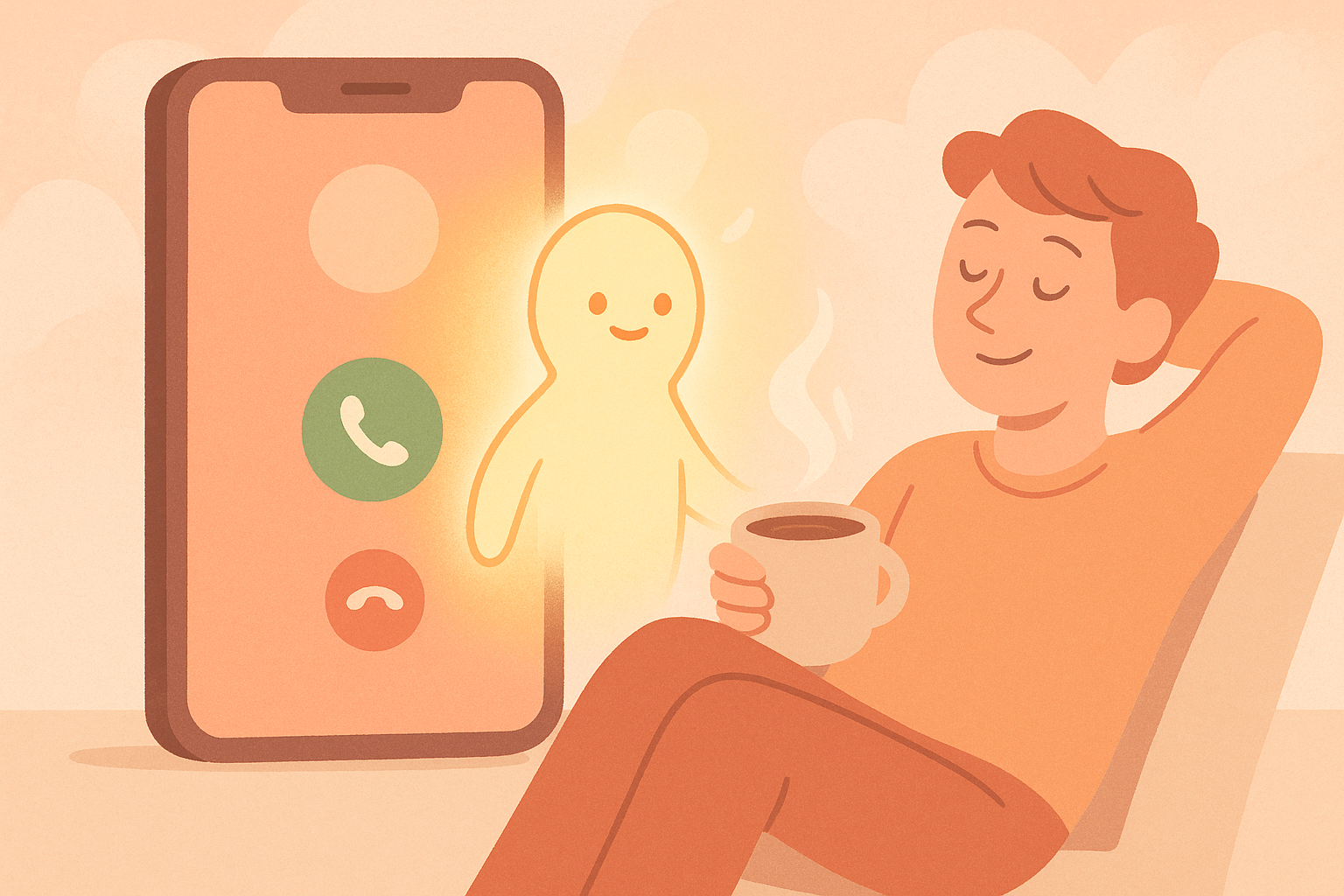
Your phone buzzes. You glance at it, don't recognize the number, and let it ring out. Maybe it was spam. Maybe it was your kid's school. You'll never know — and that's the problem with most "call screening" as we know it.
The term gets used loosely, so let's clear it up. Call screening just means figuring out who's calling and deciding what to do about it — before you're forced to answer a stranger mid-dinner. But how that happens looks very different depending on whether you're on an iPhone, an Android, or something smarter.
What call screening actually means
At its simplest, call screening is a filter between the outside world and your ringtone. It can be as basic as a caller ID label, or as sophisticated as a real conversation that happens on your behalf before you're ever interrupted.
Most phones today land somewhere in the middle: they'll guess if a number looks spammy, or let you silence anyone not already in your contacts. Useful, but blunt. It's the phone equivalent of not answering the door versus actually asking who's there.
How the iPhone handles it
Apple's approach leans on quiet, not context. Turn on the setting that silences unknown callers, and your phone stops ringing for anyone not in your contacts, recent calls, or Siri suggestions. Those calls still come through — they just go straight to voicemail without a sound.
It's a good tool for peace and quiet. But it makes no distinction between a robocall and your new dentist's office confirming an appointment. Both get the same silent treatment, and both leave you a voicemail you have to remember to check.
How Android handles it
Google's take is a bit more interactive. Certain Android phones offer a screening feature that can answer a call and show you a live, on-screen transcript of what the caller is saying in real time — you decide whether to pick up, let it go, or report it as spam as the words appear.
It's a smarter middle ground. You get a peek at intent before you commit to a conversation. The catch: it's tied to specific devices and still asks you to actively watch and react in the moment, which isn't much help if you're driving, in a meeting, or just want your phone to actually handle it.
Where both approaches run out of road
Silencing and glancing at a transcript both solve the same narrow problem: keeping your phone from ringing for the wrong people. Neither one actually deals with the call. You still have to check voicemail, sort through missed-call lists, or decide in the moment while the caller's mid-sentence.
That's fine for blocking obvious spam. It's not fine when the call actually matters — a callback from a client, a delivery driver who's lost, a pharmacy confirming your prescription. Silence treats every unknown number the same, whether it's a robocall or something you'd genuinely want to know about.
How superMila does it differently
superMila doesn't just decide whether your phone should ring. She actually answers, has the conversation, and tells you what happened.
When a call comes in, Mila picks up like a sharp assistant who already knows the drill. She talks to the caller, figures out who they are and what they want, and either loops you in if it's worth it or wraps things up herself if it's not — a spam call gets a polite, firm no thank you, no drama, no siren. Either way, you get a clean transcript and a plain-English summary waiting for you: who called, why, and what (if anything) you need to do next.
You never have to squint at a live transcript mid-call or dig through voicemail later. You just glance at the summary when it's convenient and know exactly what happened while you were busy living your life.
Your number, your way
One thing people always ask: does this mean getting a whole new number, or juggling two phones? Not necessarily.
In Settings, under Number Mode, you can view the Mila number assigned to your account and choose how you want it to work. A shared number option is available on some tiers, or you can opt for a dedicated number of your own, depending on your account level. It's a small setting, but it matters — it's what lets Mila answer on your behalf without asking you to switch carriers, buy new hardware, or relearn how your phone works.
Screening that actually screens
Here's the honest difference: iPhone and Android call screening are built to protect your quiet. superMila is built to protect your time — by actually taking the call, sorting the signal from the noise, and handing you the short version so you can decide what deserves a callback and what deserves absolutely nothing.
Spam still gets dispatched, just without the drama. Real calls still get through, just without the interruption. And you get your afternoon back either way.
If you're tired of choosing between "silence everything" and "answer everything," that's exactly the gap superMila was built to close.