
Block Unknown Callers on Android: Every Method Ranked
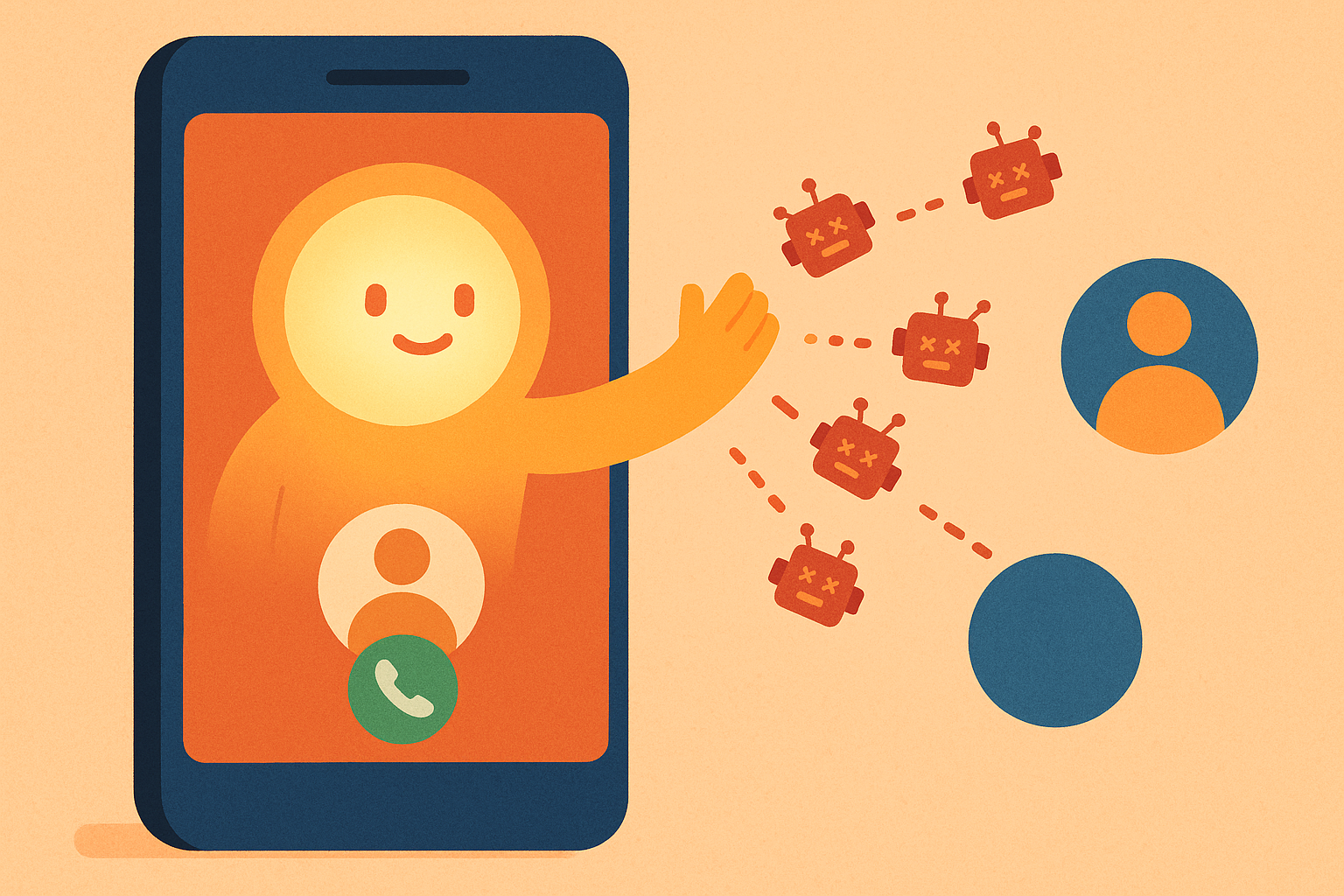
Your phone rings. It's a number you don't recognize. Do you answer it, hoping it's your kid's school, or let it go, betting it's someone trying to sell you an extended car warranty on a car you don't own?
If you're tired of playing that guessing game, you're not alone. Unknown callers are a daily tax on your attention, and Android gives you a few different ways to fight back. Some work okay. Some barely work at all. And one option handles the whole mess without you lifting a finger.
Here's every method to block unknown callers on Android, ranked from "meh" to "magic," based on how much effort they take versus how well they actually work.
5. Android's Built-In Call Blocking (Low Effort, Low Reward)
Android's native blocking feature is the one most people already know about. You can dig into your Phone app's settings and turn on "Filter spam calls" or manually block a number after it calls you.
The problem? It's reactive, not proactive. You usually have to get the call first, decide it's junk, and then block that specific number. Spam callers rotate numbers constantly, so you're stuck playing whack-a-mole. It also does nothing for the legitimate-but-annoying calls, like the fifth follow-up from a company you politely declined once already.
Effort: Low. Effectiveness: Low. It's a start, not a solution.
4. Carrier-Level Call Protection (Medium Effort, Inconsistent Reward)
Most major carriers now offer some flavor of call protection baked into your plan or available as an add-on. These services flag likely spam calls with a warning label before you even pick up.
They're better than nothing, and they don't require downloading anything extra. But the label is often the only thing you get. You still have to decide whether to answer, and the flagging isn't always accurate. Real callers get mislabeled, and clever spam sails through unflagged. Some carriers charge extra for the more robust versions, which feels a little rich when the problem is calls you never wanted in the first place.
Effort: Medium. Effectiveness: Medium, when it works.
3. Third-Party Call-Blocking Apps (Medium-High Effort, Mixed Reward)
There's a whole category of apps built specifically to identify and block spam calls. Many rely on crowdsourced databases, so if enough people report a number, it gets flagged for everyone.
The upside is real: these apps often catch more than your carrier does. The downside is that you're now managing another app, another set of permissions, and often another subscription. Some of these apps also want access to your contacts and call history to work properly, which is a trade-off worth thinking about. And like carrier tools, they're still identifying calls, not truly handling them. You're still the one answering, declining, or listening to a voicemail.
Effort: Medium-high. Effectiveness: Better, but still puts the work on you.
2. Do Not Disturb + Contact-Only Settings (High Effort, High Annoyance)
Some people go nuclear: set their phone to only ring for saved contacts, and silence everything else. It technically blocks unknown callers on Android completely.
The catch is obvious. Now the pediatrician's office, the delivery driver, and the plumber you've been waiting on all get silently ignored too. You've traded spam calls for missed real ones, which usually isn't the trade you actually wanted to make. It's a blunt instrument for a problem that needs a scalpel.
Effort: High. Effectiveness: High for blocking, terrible for actually staying reachable.
1. AI Call Screening With superMila (Almost No Effort, Complete Reward)
Here's the thing every method above has in common: they all still need you. You're still the one checking labels, updating block lists, or deciding whether to risk answering.
superMila works differently. Instead of trying to guess whether a call is spam before you answer, Mila actually answers for you, has a real conversation, and figures out who it is and what they want. Spam gets a polite dismissal. Real callers get a friendly assistant who takes a message or handles what you need handled, so you never have to gamble on an unknown number again.
And it's genuinely low-effort to set up. There's no new app to learn and no carrier switch involved. You just tell Mila a bit about how you want things to go:
- Profile & Contact: In Settings, you enter your name (so Mila knows what to call you) and your mobile number (where your calls get forwarded to her).
- Call Behavior: You can add a custom greeting for Mila to say when she answers, or leave it blank and she'll use her default. You choose your language, English or Spanish, and set your spam sensitivity to lenient, balanced, or strict, depending on how cautious you want her to be.
Everything saves automatically, so there's no "submit" button to hunt for and no settings to lose. You set it up once, and Mila handles every call from there, adjusting her approach based on how strict you want her to be with anything that smells like spam.
The difference is that Mila isn't just filtering. She's actually screening, the way a sharp assistant would if they picked up your phone for you. Spam gets handled with a shrug. Real calls get handled with care. You get your time and your attention back, without becoming the person who manages call-blocking settings for a living.
The Bottom Line
If you want to block unknown callers on Android, you've got options ranging from "barely helps" to "basically a full-time job." Built-in tools and carrier apps are fine as a baseline, third-party apps add a bit more muscle, and Do Not Disturb is a hammer when you need a scalpel.
Or you can let Mila actually answer, sort the spam from the real, and hand you only what matters. No new app, no new number, no more guessing games. Just a phone that finally behaves.